> ## Documentation Index
> Fetch the complete documentation index at: https://www.cashfree.com/docs/llms.txt
> Use this file to discover all available pages before exploring further.
# Settlements
> Download Cashfree Easy Split settlement reports to track vendor payouts, commissions, and adjustments credited from orders during each settlement cycle.
The vendor split settlement report gives you details of order ID, reference ID, settlement amount, transaction time, transaction status, and UTR for the date range selected. You can download the report for a maximum period of 31 days.
To view the vendor split settlement report,
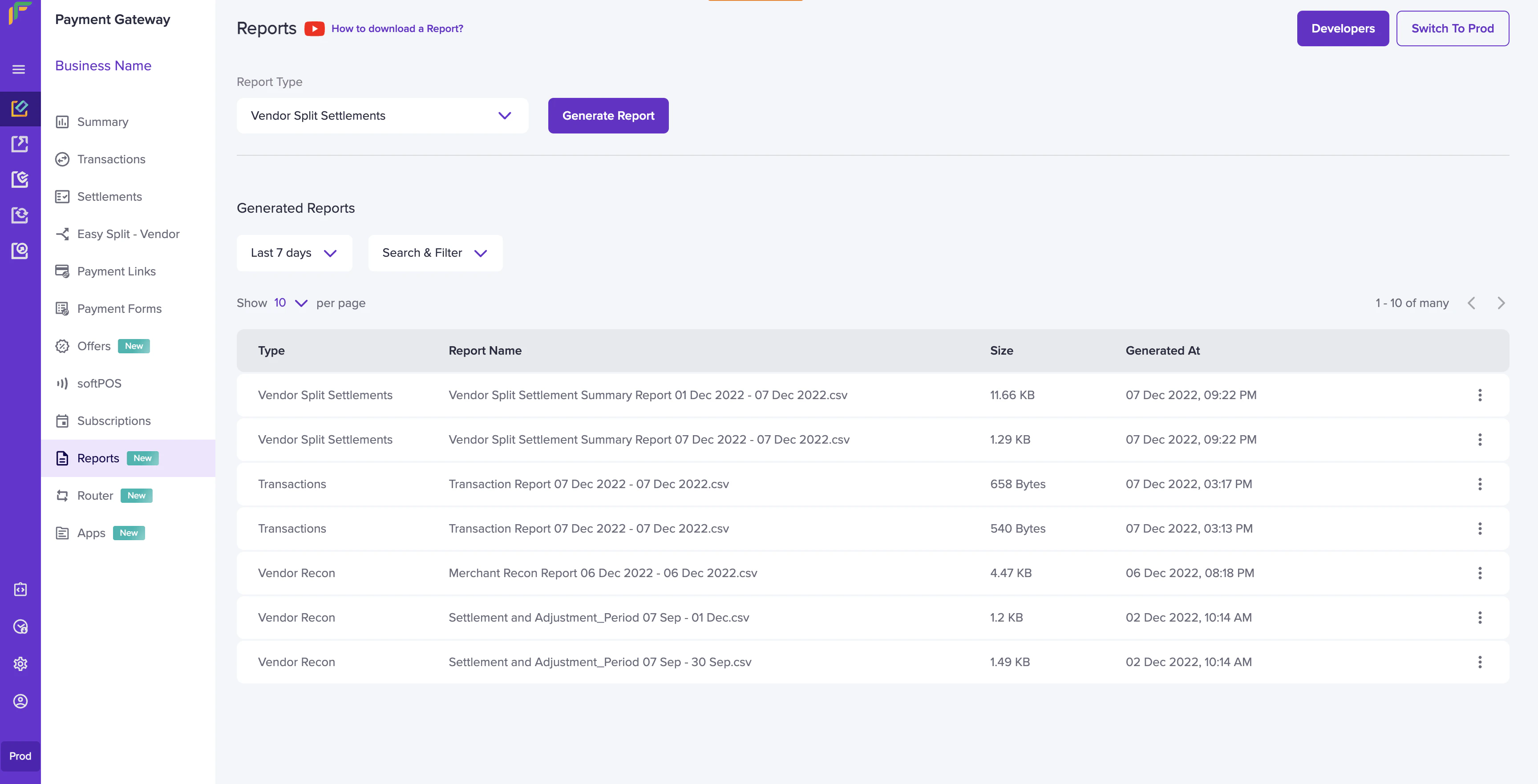
1. Go to **Payment Gateway Dashboard** > **Reports**.
2. In the **Report Type** field, select **Vendor Split Settlements**, and click **Generate Report**.
3. Select the date range, file format, and file name. and click **Generate Report**.
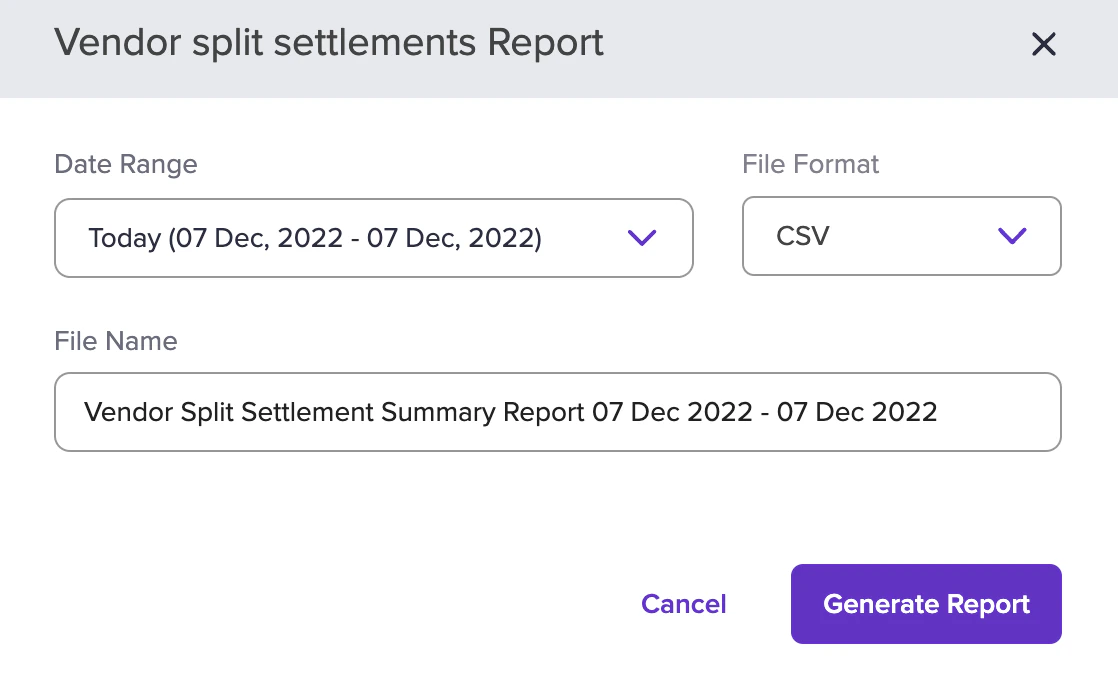 The report will be generated based on the criteria you have filtered. You can download the report after it has been generated.