

- Go to Payment Gateway Dashboard > Reports.
- In the Report Type field, select Refunds, and click Generate Report.
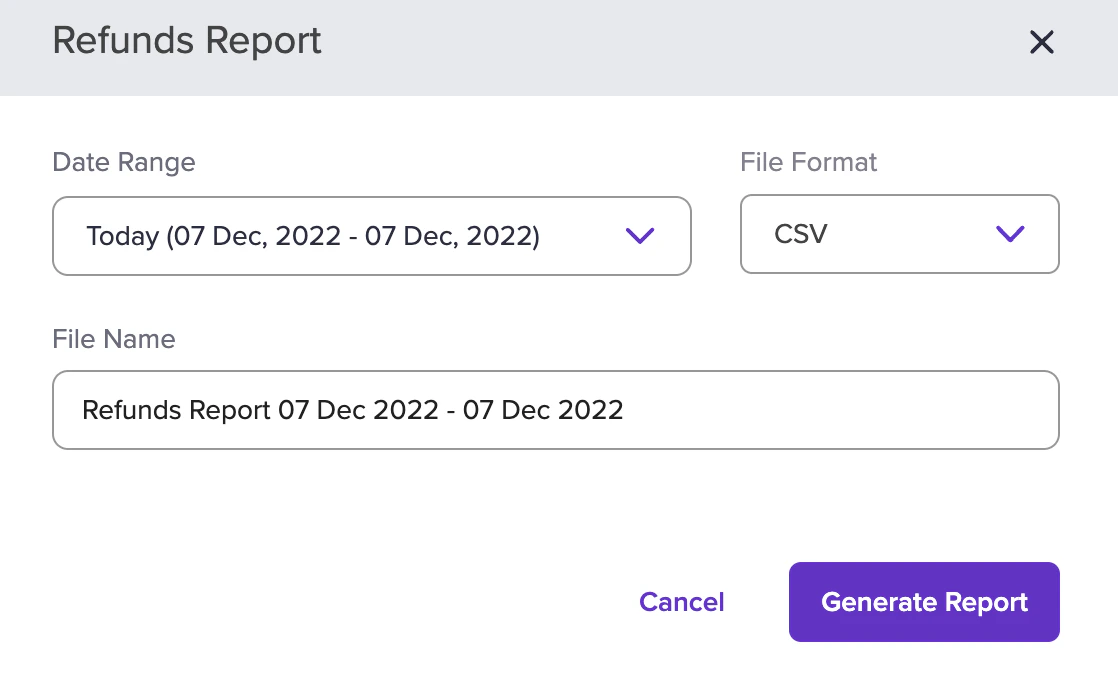
- Select the date range, file format, and file name. and click Generate Report.
Download Cashfree Easy Split refund reports to review refund status, vendor balance impact, and customer payouts across every marketplace order from one place.