Key features
- Smarter RTO risk prediction: Uses a machine learning model that goes beyond historical order count to improve the accuracy and precision of RTO risk assessment.
- Enriched data inputs: Enhances model performance by combining customer phone numbers, shipping addresses, cart items, merchant transaction history, and 10+ other parameters.
- Shipping provider integration: Connects with shipping partners such as Delhivery and Selloship to provide end-to-end order visibility, enabling more accurate risk prediction.
Activate RTO intelligence
To activate RTO Intelligence:- Log in to the Merchant Dashboard.
- Under One-Click Checkout, select Access.
- In the left pane, select COD & RTO.
- Select the RTO Intelligence tab.
- Turn on the toggle in the top-right corner.
Note: You can’t turn on the toggle if no shipping provider credentials are linked.
-
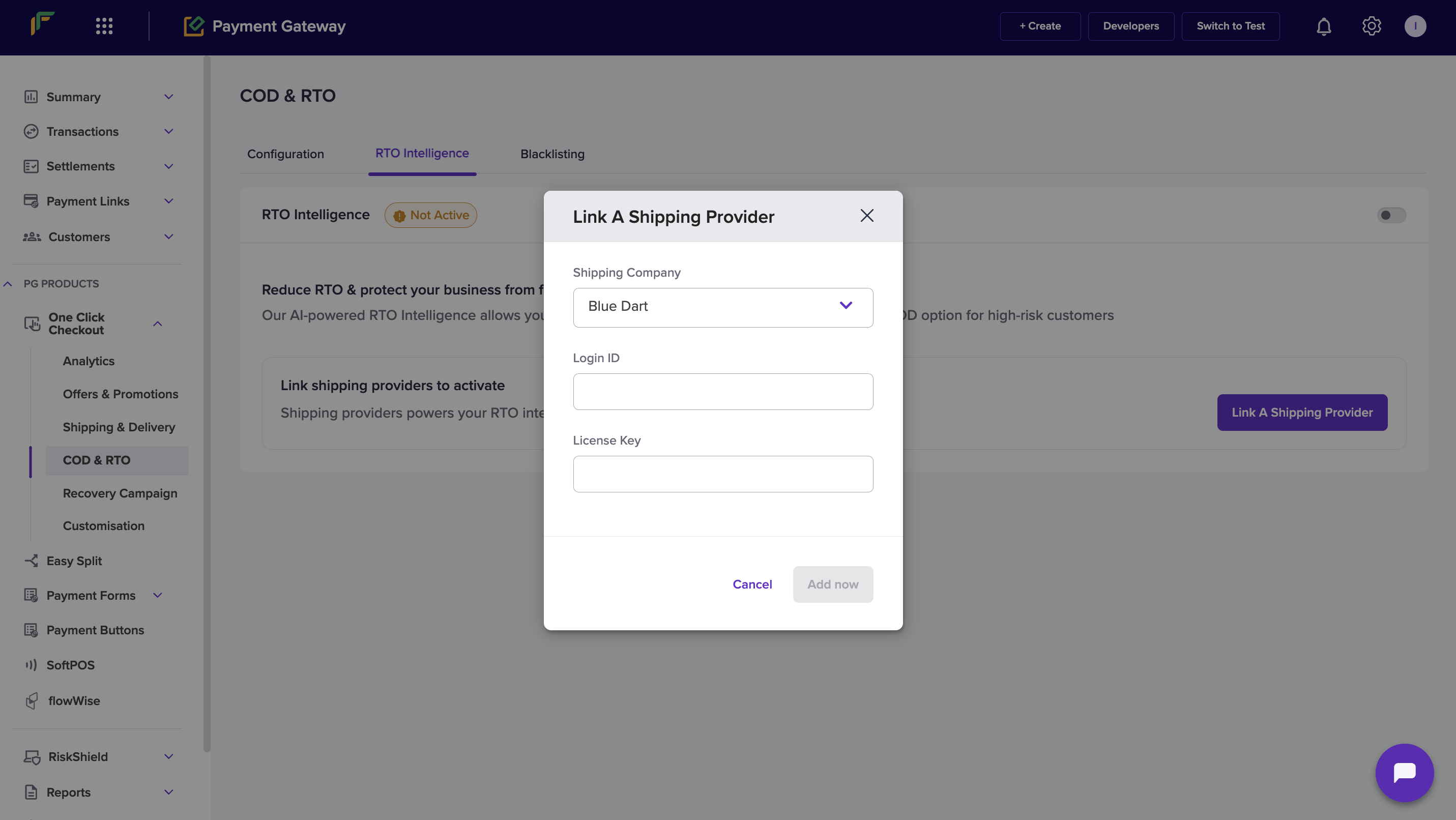
In the Link a Shipping Provider modal:
- Select the shipping company from the Shipping Company dropdown.
- Enter your Username.
- Enter your Password.
- Select Add Now.